The Lot Builder is the site's listing-image generator. It lives at /tools/lot-builder and exists for one purpose: to make it easy to put a multi-token lot up for sale on eBay (or anywhere else) with a clean, branded composite image.
What it does
You pick the tokens you want to include in a lot. The Lot Builder pulls each token's canonical image, lays them out in a grid, applies your title and subtitle, and renders the result to a downloadable PNG. It actually produces two images: a front view and a back view, side-by-side composites of every token's obverse and reverse.
Out of the box, the generated image includes:
- Your title and subtitle text at the top
- A grid of token images with optional catalog codes and labels
- A brand-themed color accent (Chuck E. Cheese green, Showbiz blue, etc.)
The output PNGs are sized for eBay's primary image slot.
Building a lot
The workflow is short:
- Search for an item: start typing a token name or catalog code in the search box at the top. Autocomplete surfaces matches from the catalog of 914 items.
- Add it to the lot: click to add. The selected item drops into the working set with a default quantity of 1.
- Adjust the quantity: if your lot includes multiple copies of the same token, bump the quantity. The generated image will repeat the token's slot accordingly.
- Repeat for every token in the lot.
- Set the title and subtitle: what you want printed at the top of the image. Common pattern: title is the lot's headline ("Chuck E. Cheese Token Lot, 15 Tokens, 1977-2013"), subtitle is the specifics ("All Eras Represented").
- Pick the category color theme: Chuck E. Cheese, Showbiz, Discovery Zone, or other. This sets the accent color across the generated image.
- Toggle the display options: show or hide catalog codes; show or hide the title-card label.
- Generate: the front and back images render, and you can download both.
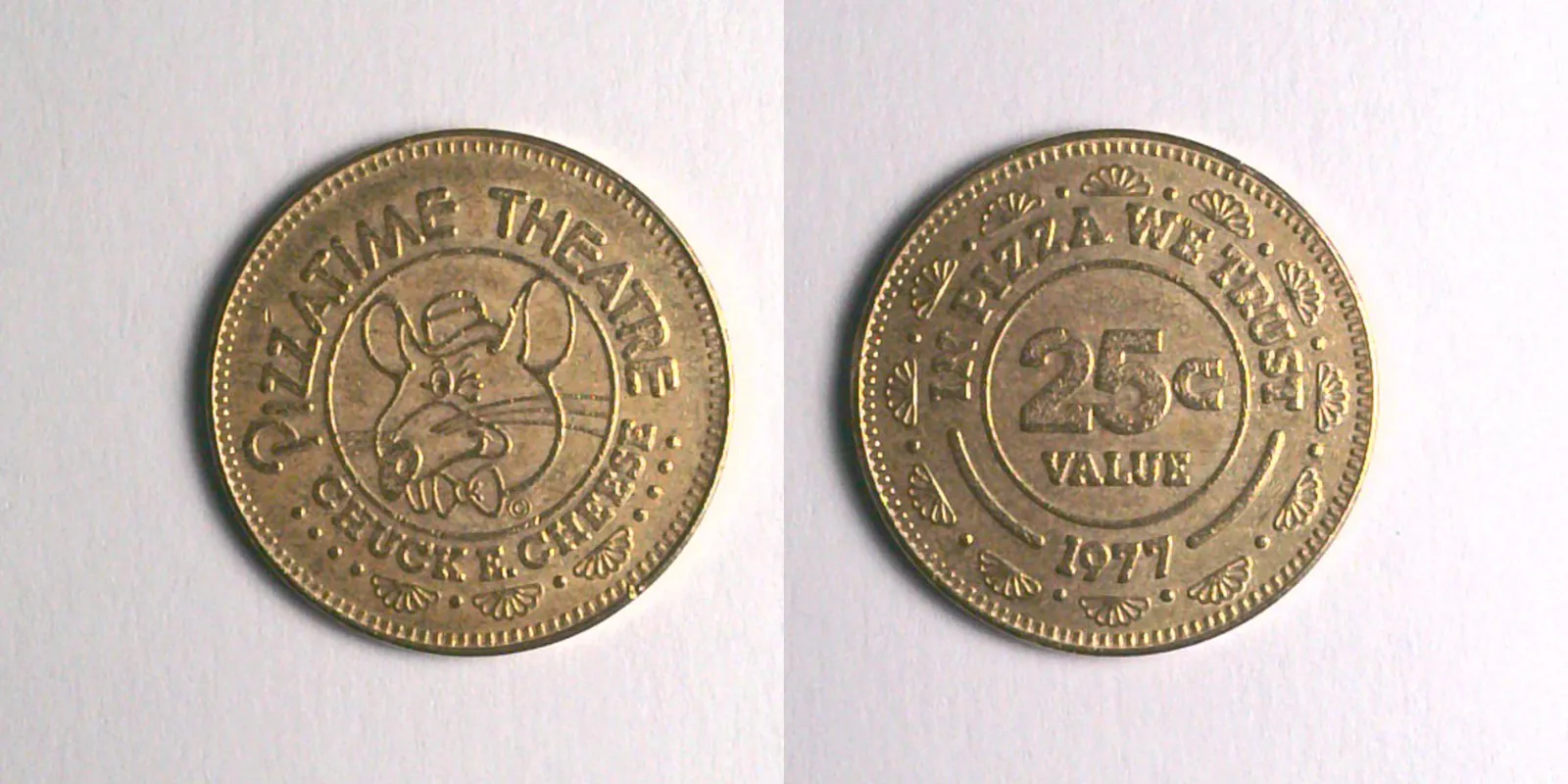
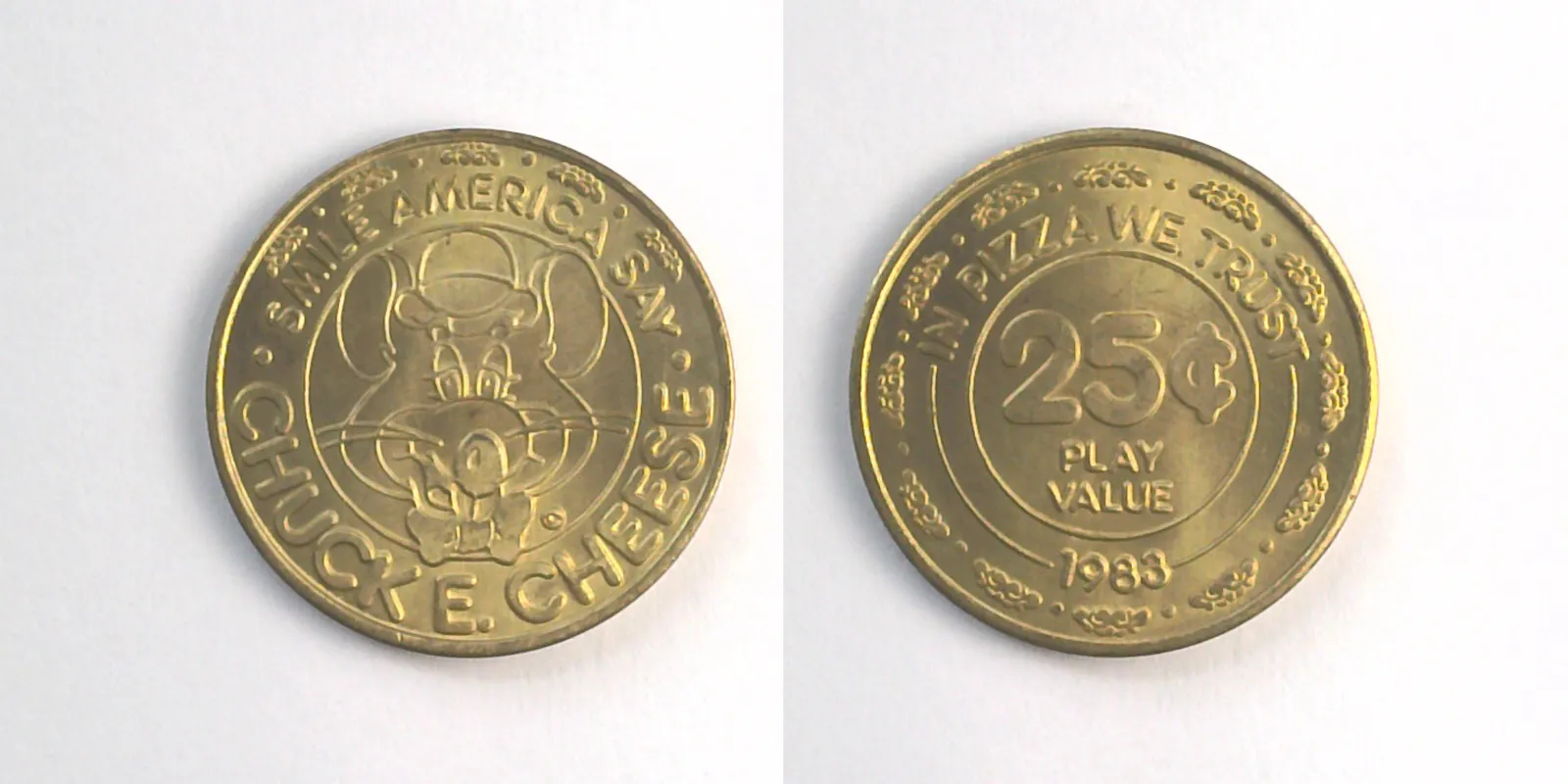
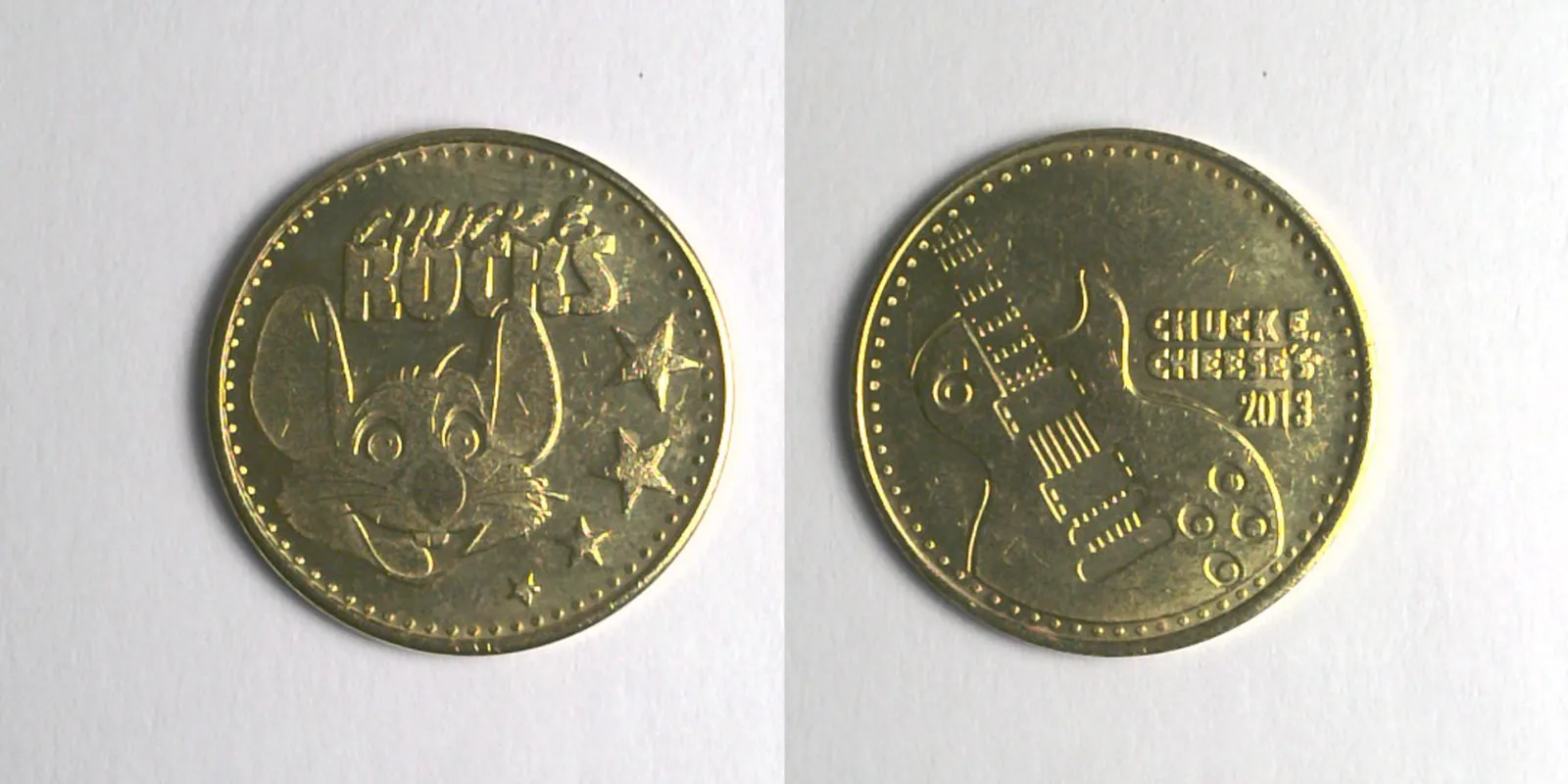
The total-value display
The Lot Builder also shows a running total fair value as you add items. This is the sum of each item's fair_value (the site's pricing estimate) multiplied by its quantity. Use it as a starting point for your asking price; market reality usually applies a discount for lot sales versus individual sales, so most sellers list lots at a small discount to the summed fair value.
The listing-text helper
Below the image preview, the Lot Builder generates a markdown listing description that you can paste directly into an eBay listing's description field. It includes:
- A formatted item list with catalog codes
- Total fair-value reference
- The same title and subtitle you used on the image
You don't have to use the auto-generated text. Plenty of sellers prefer to write their own. But for a quick, accurate listing, it's a useful starting point.
Saving and sharing lots
A lot you've built can be saved under a short key. The system stashes the state (selected items, quantities, title, subtitle, category, options) and gives you a sharable URL. Useful for:
- Coming back to a lot you're not ready to list yet
- Sharing a proposed lot with a buyer for pre-sale confirmation
- Tracking what you've sold (a lot you built and listed last month is still recoverable)
The saved state doesn't include the generated PNGs themselves; the images regenerate from the saved item list when you reopen the lot.
Tips
- Pick canonical-image tokens when possible. The grid looks cleanest when every token has a high-quality canonical photo. Tokens without canonical images render as placeholders.
- Don't overcrowd the grid. Lots of more than about 20 tokens get cramped at standard eBay image resolution. For bigger lots, split into two listings or two images.
- Keep the title short. Long titles wrap awkwardly. Aim for one line.
Where to go next
- The Trade Finder tool is the matching tool for trades rather than sales.
- Reading an item page explains the fair-value figure the Lot Builder uses.